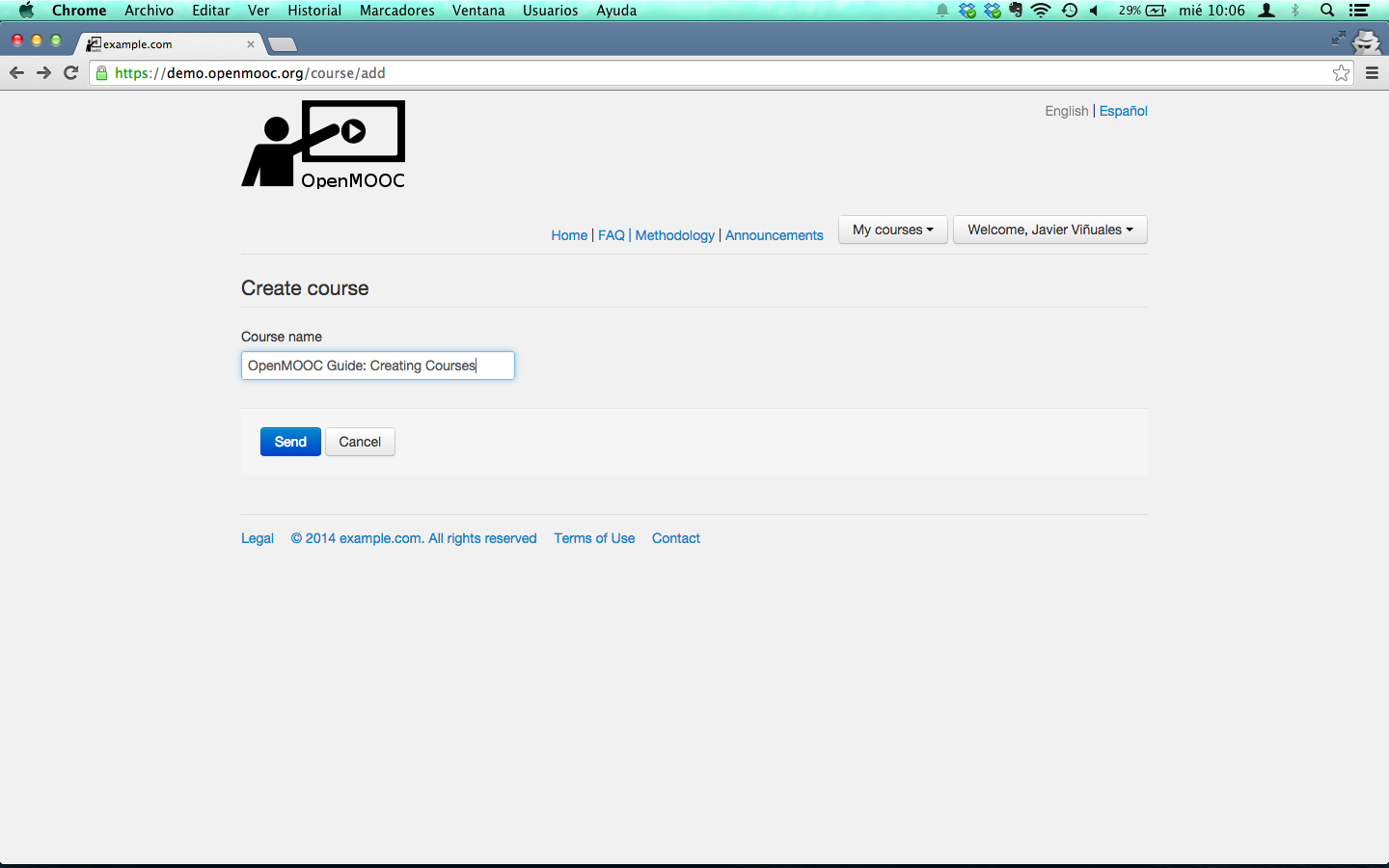
3. Naming the course
3.1. Overview
Only user with permission to crete course can do the following. It’s necessary that the administrator gives permission to create courses to an user, manually on request by email. See
3.2. Steps to name a course
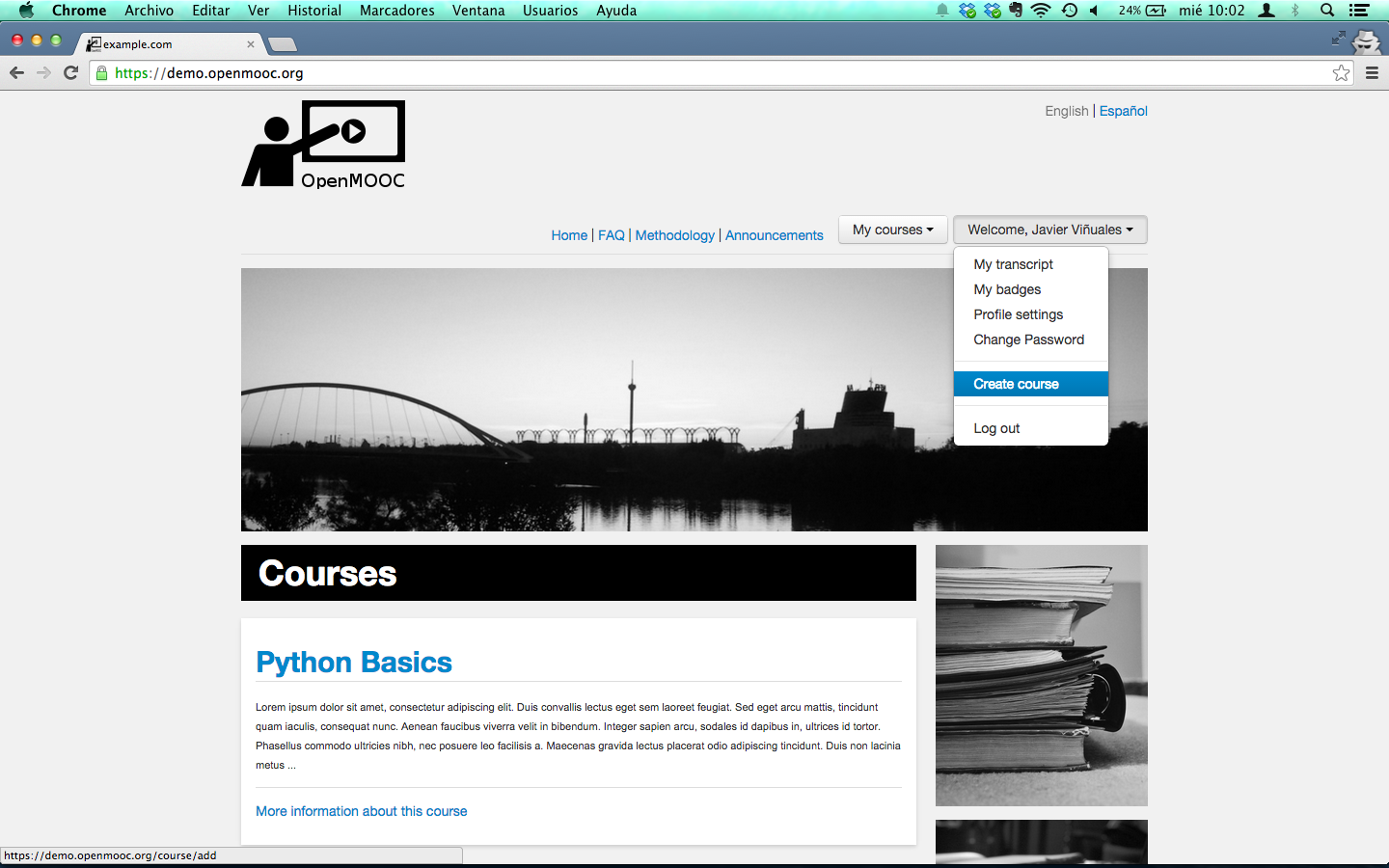
When you are already logged, selected Create course in the dropdown menu you can access by clicking on the user name.
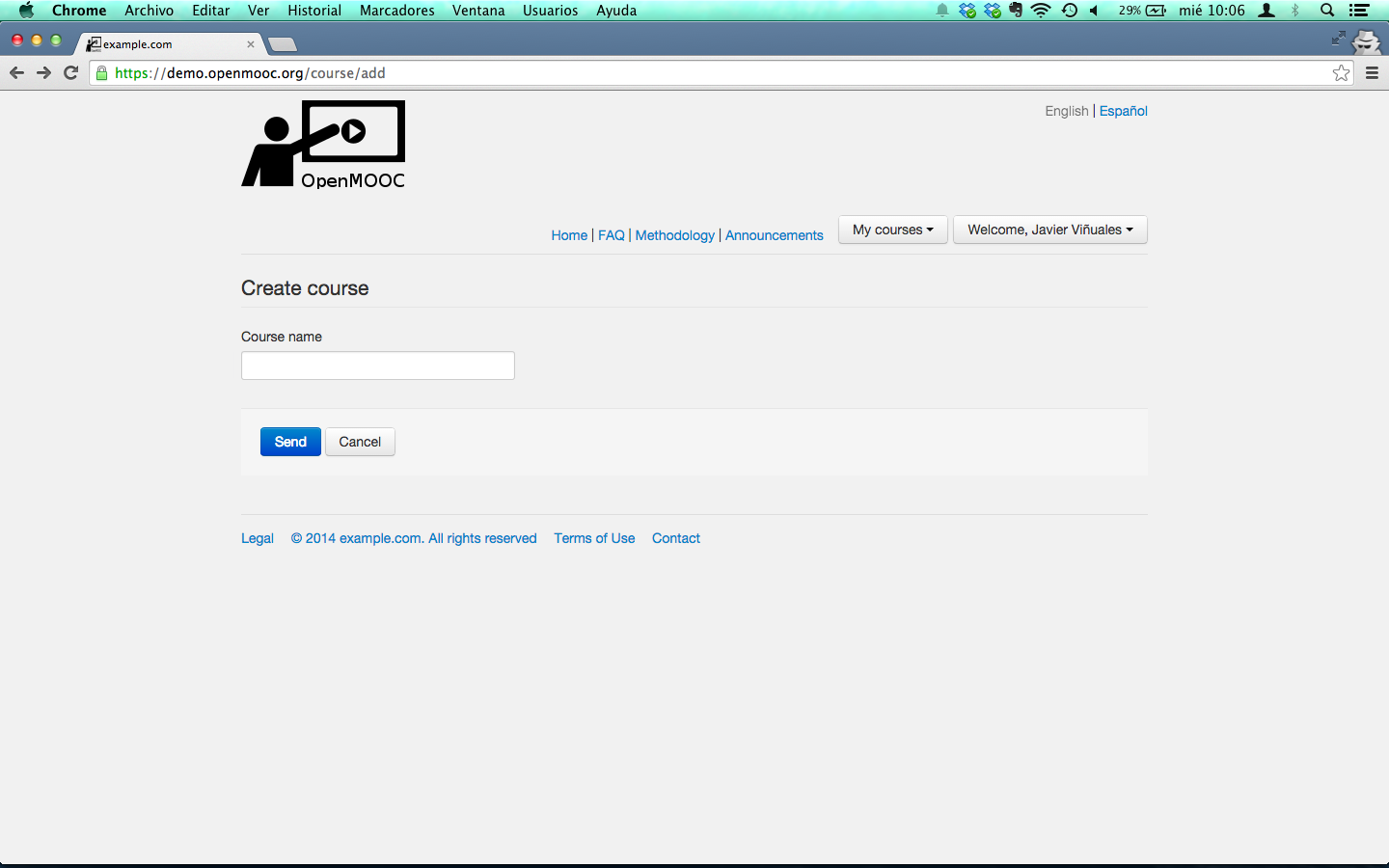
Text box you will se to enter the course name.
Enter the course name to create courses in the text box and click send.